Excel export missing in Noor
When the export-to-Excel option does not appear in Noor reports.

The steps
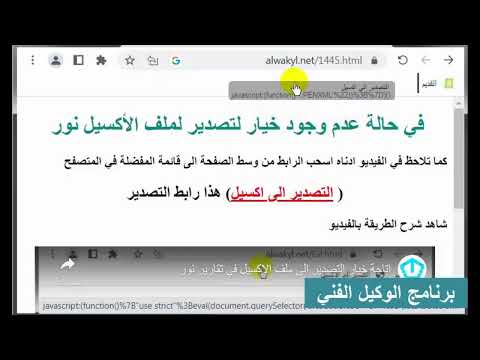
If the export-to-Excel option does not appear in Noor reports, make the export link in your browser once:
- Drag the link to the browser's bookmarks bar, as the video shows.
- Sign in to Noor and open the report or data sheet.
- Click the link in the bookmarks bar, and the export option appears.
Note
Only use the link after signing in to Noor and opening the report or sheet, or the export option will not appear.